¶ Task board
Open in CRM: /tasks/board/9660
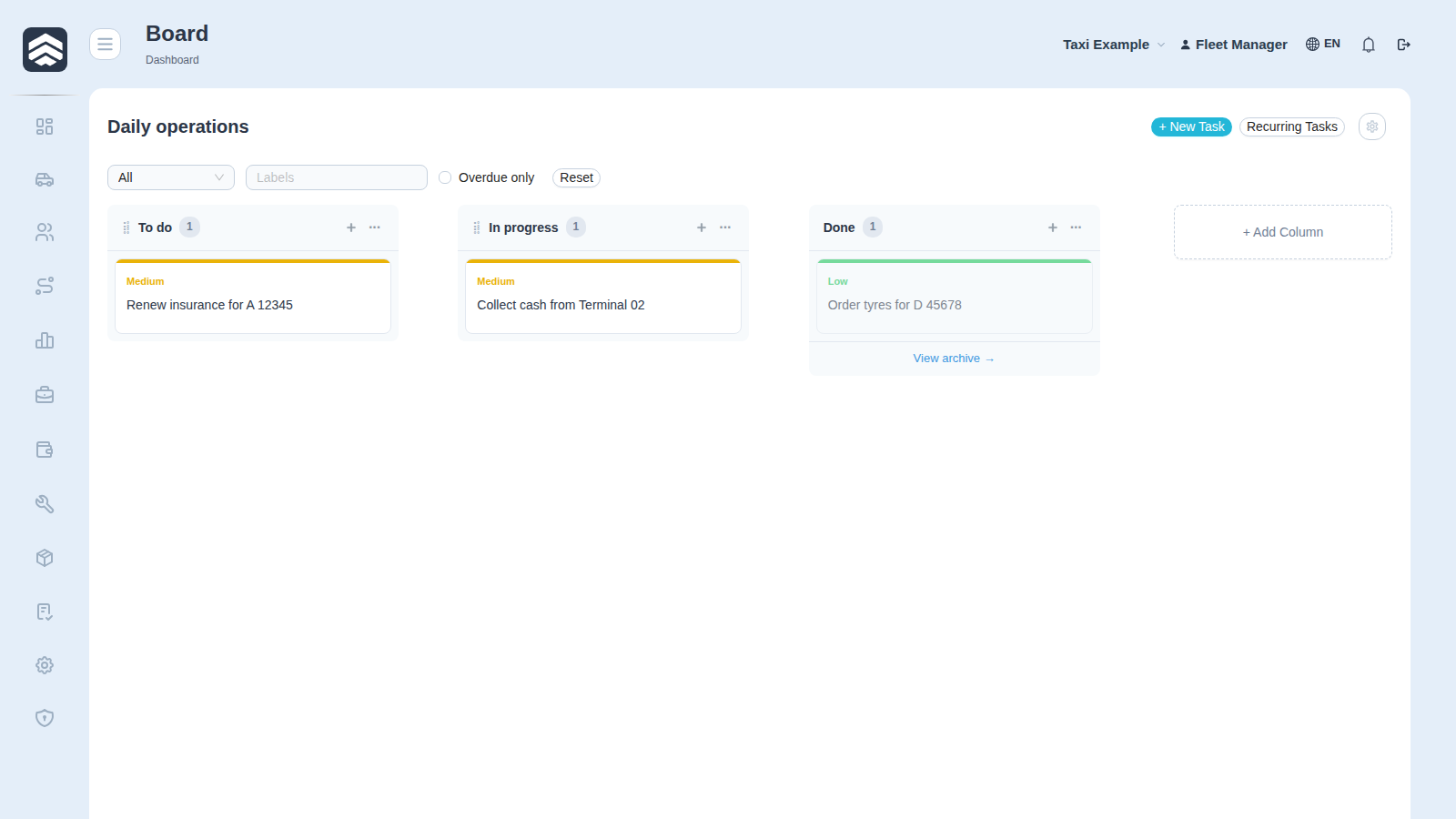
One board with its columns and cards. Opened from Tasks or from the sidebar, where boards you marked as favourite appear directly.
¶ Working with it
A card moves between columns by dragging; the column it lands in is its state. Opening a card gives the description, assignees, labels, comments, attachments and the history of what happened to it.
Add creates a task in the current column. Recurrence — a task that comes back on a schedule — is set on the card and requires TASK_MANAGE_RECURRENCE.
¶ Columns are the process, not decoration
A column carries meaning the system acts on: the done column completes the task, the cancelled one cancels it. Renaming a column does not change that — the flags behind it do, and they are edited in board settings (TASK_MANAGE_BOARD).
¶ Related
Tasks — the list of boards Archive — finished tasks of this board My tasks · Automation
¶ Related pages
Tasks · My tasks · Archive · Automation rules · Common screens