¶ Tasks
Open in CRM: /tasks/boards
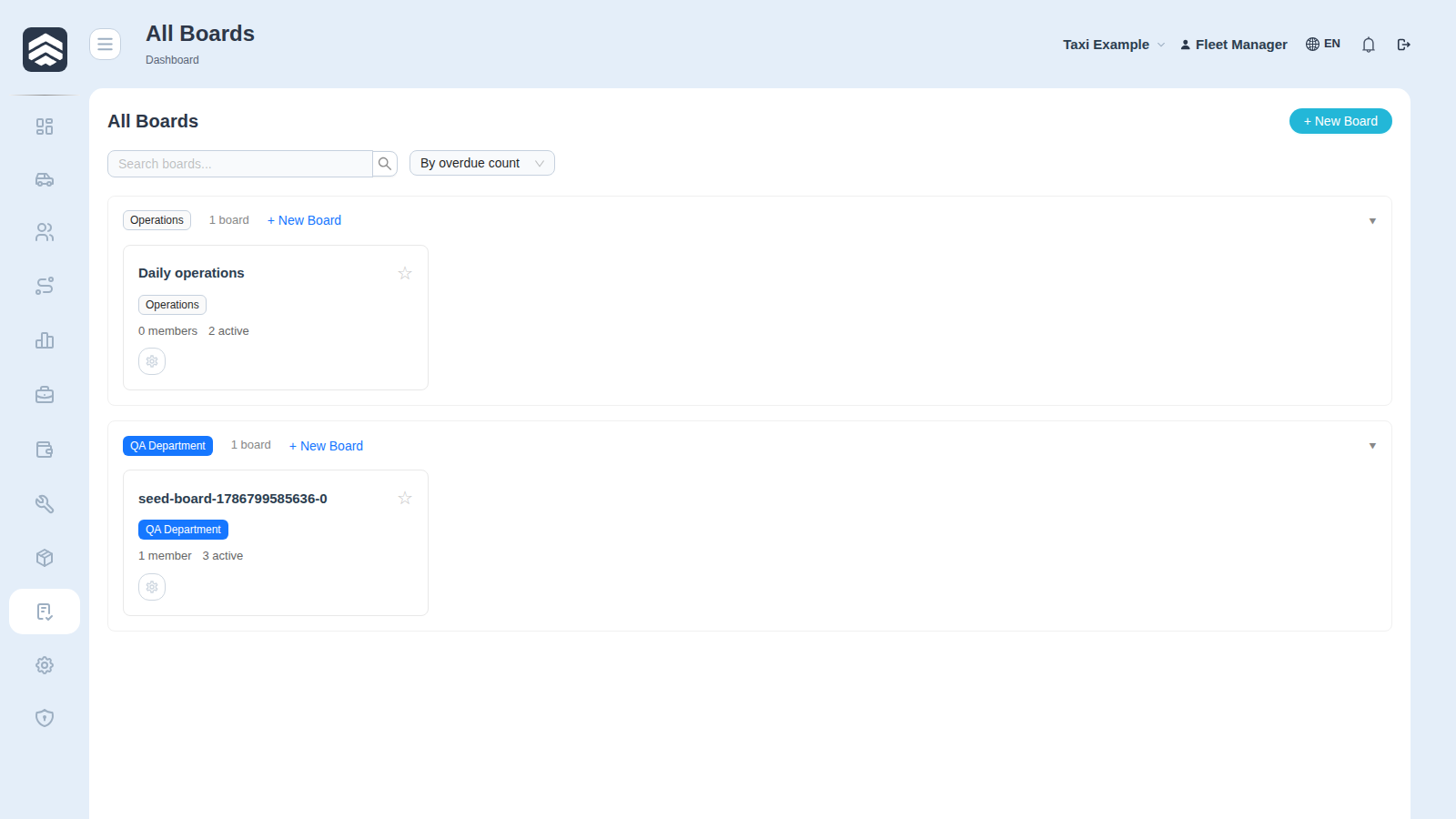
Tasks (/tasks/boards) is the portal's own task tracker: boards, columns, assignees, comments and attachments. It works the same way in every company type.
¶ Boards and teams
A board belongs to a team. All Boards lists what you can reach; favourites appear directly in the sidebar, which is why the Tasks menu entry has different children for different people.
Board visibility decides who sees the work, not who may edit it — those are separate settings.
¶ My tasks
My tasks shows what is assigned to you across every board, filtered by label. This is the screen to open in the morning; the board is where you plan, the list is where you work.
¶ Tasks are per company
A board and its tasks belong to one company. Switching company switches boards — a task cannot be seen from another tenant, deliberately. That is also why requests to developers travel through a separate screen rather than through a shared board.
Rights: TASK_READ to open, TASK_CREATE, TASK_CHANGE, TASK_COMPLETE for work, TASK_MANAGE_BOARD for boards and columns.
¶ Related pages
Task board · My tasks · Teams · Tasks dashboard · Automation rules · Settings · Reporting a bug or asking for a feature · Common screens