¶ Settings
Open in CRM: /settings
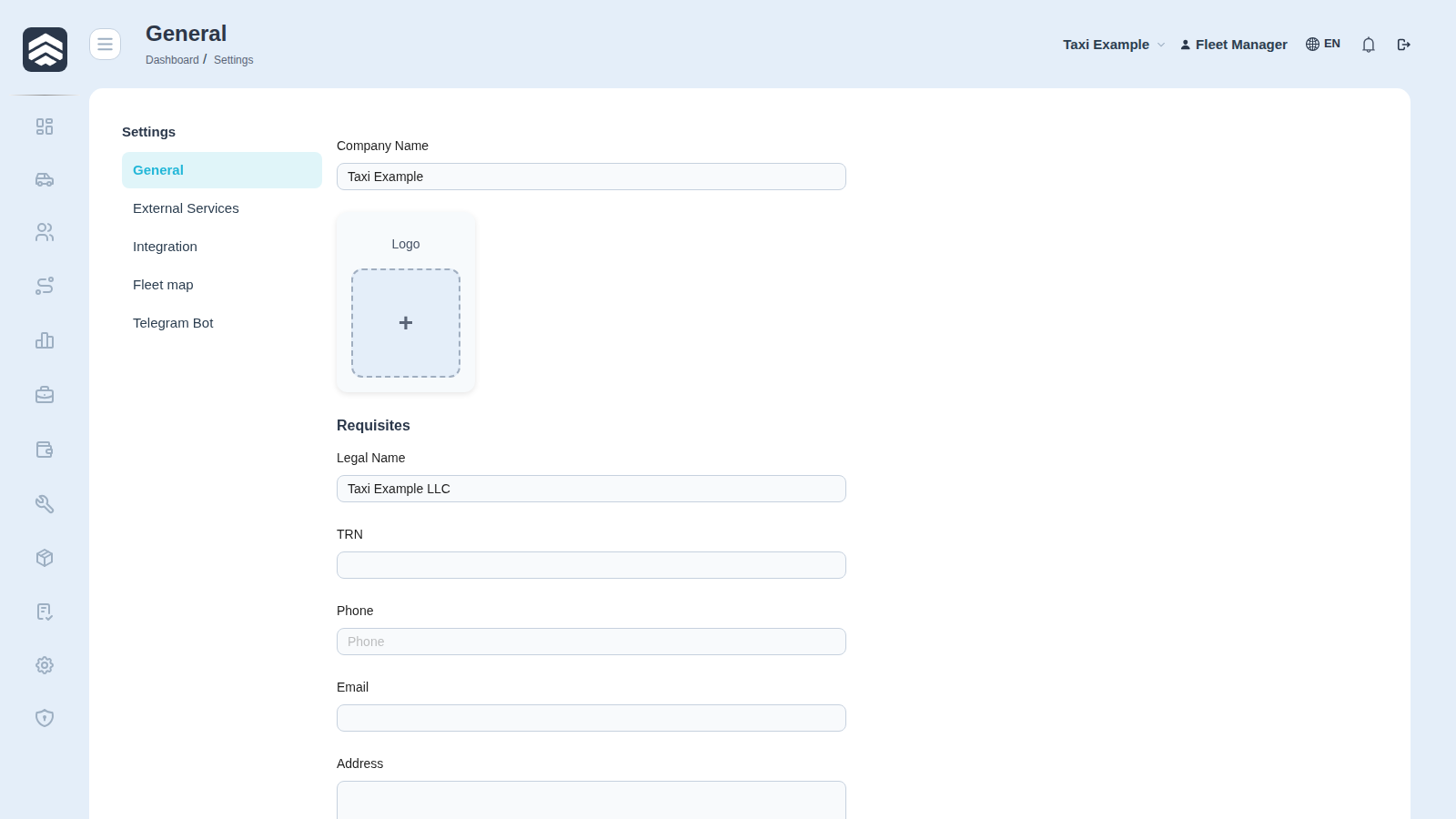
Settings (/settings) is the company's own configuration. The rail on the left lists the sections available to you — it differs by company type and by rights.
| Section | What it holds |
|---|---|
| General | Company details, timezone, logo |
| Mailboxes | Mailboxes the automation reads one-time passwords from; one mailbox can serve several systems |
| Integration | Every connection to the outside world — aggregators, POS payments (Geidea, Paymob), tolls (DARB), GPS trackers, provider cabinets (ENOC, Legend, ChargeGo, RTA) and the services the CRM uses itself: whether each loads data right now, and its settings — see Integration |
| Fleet map | How the live map reads the trackers: no-signal and broken-tracker thresholds, auto-refresh, stop detection, location radii and geocoding limits, history depth. The map provider and its keys live in Integration → Maps |
| Car detection | Which aggregators (Uber, Bolt) tell the CRM what car a driver is in, and how far back a shift start may be moved |
| Fuel allocation | How fuel reaches drivers: Direct — to whoever refuelled, or Formula — the car's monthly fuel pool shared by equivalent mileage |
| Telegram Bot | Bot configuration |
| Carlift Settings, Carlift Message Templates, Carlift Zones | Carlift companies only |
| RentACar Settings | Rent-a-Car companies only |
¶ Why a section may be missing
Two independent reasons: the section belongs to another company type, or your role does not hold its access code. The rail does not show disabled entries, so an absent section is not a fault — it is either not applicable or not yours.
Settings are per company: changing them in one company does not touch another, even for the same person switching between them.