¶ Payment calendar
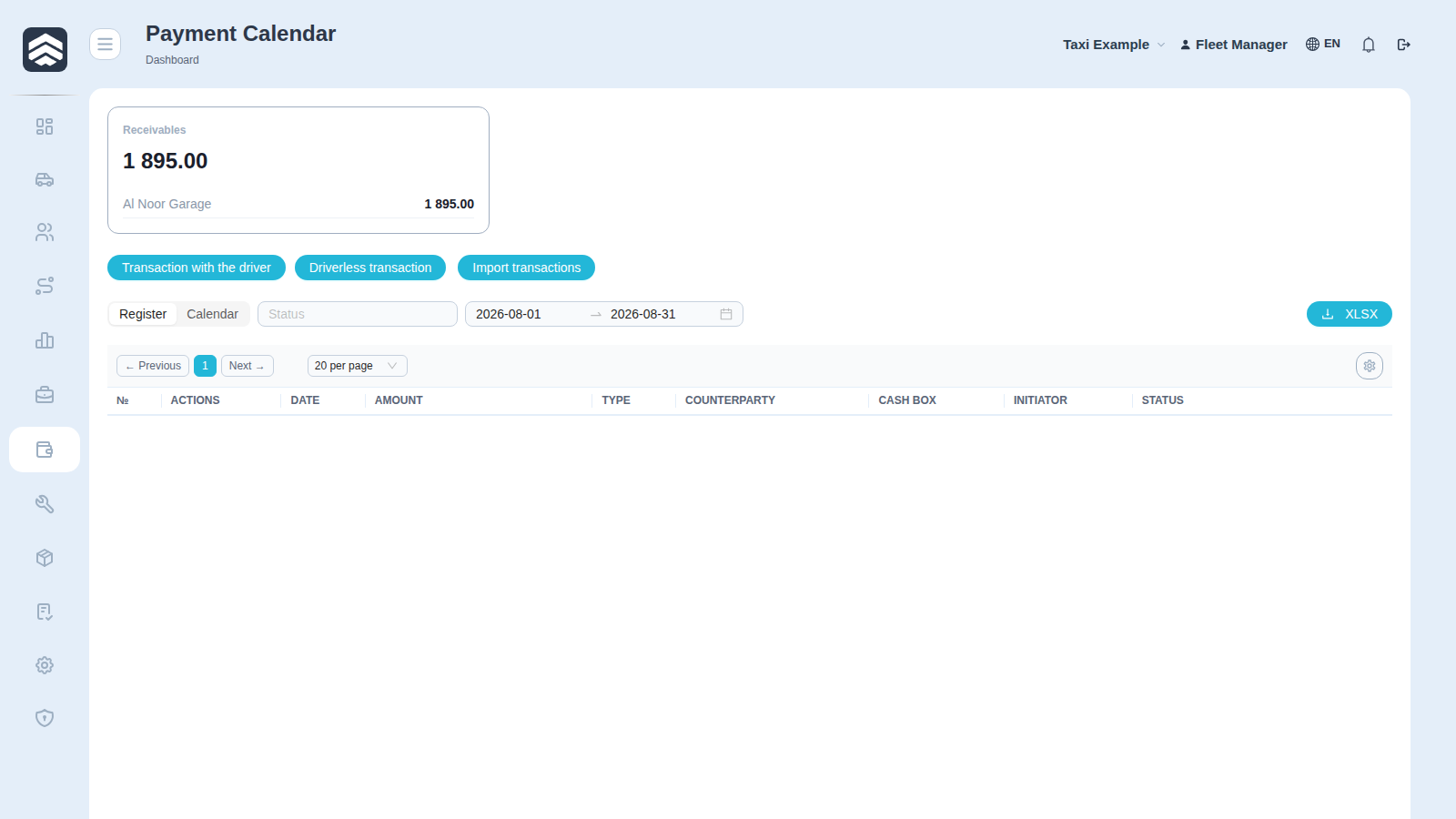
Open in CRM: /payments
Payment Calendar (/payments) is the queue of payments waiting for a decision: what the fleet is about to pay, to whom, and who approved it.
¶ Widgets
Pending approval, Paid, Rejected — the three states a payment can be in.
¶ Table
| Column | Description |
|---|---|
| Actions | Approve / reject |
| Date | When the payment is due |
| Amount | Sum |
| Type | Payment kind |
| Counterparty | Who is being paid |
| Cash box | Which cashbox the money leaves |
| Initiator | Who created the request |
| Status | Pending approval · Paid · Rejected |
| Purpose | What the payment is for |
| Posted | Whether the payment has been posted to the balance |
¶ Approving
Approve turns the request into a real transaction on the chosen cashbox; Reject closes it without moving money. Both require PAYMENT_APPROVE; creating a payment requires TRANSACTIONS_ADD.
A payment in Pending approval does not reach the balance: the background queue leaves it alone until a decision is made. Approve posts it once — approving an already posted payment does not double the balance, and Reject rolls the effect back if there was one. The Posted column makes that state explicit, so there is no need to cross-check against the cashbox.
The split between initiator and approver is the point of this screen: the person who asks for money and the person who releases it are deliberately not the same, and the Initiator column keeps that visible after the fact.
¶ Related pages
Finance · Counterparties · Cashboxes · Transactions · Executive dashboard · Taxi