¶ P&L
Open in CRM: /finance/pnl
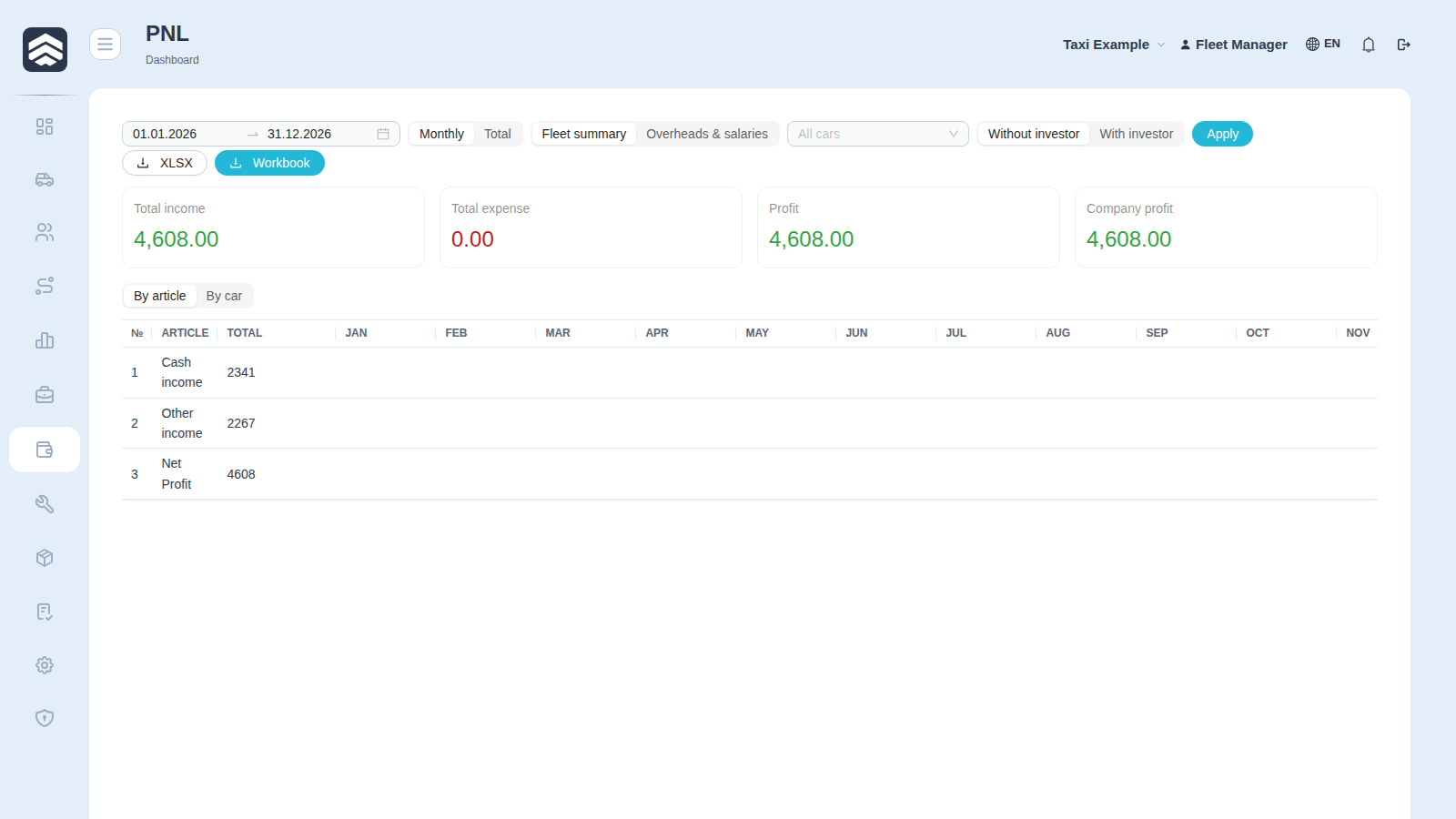
Finance → PNL (/finance/pnl) answers one question: did the fleet earn or lose over the period, and where exactly.
¶ Two views of the same money
- By article — the classic profit & loss: income and expense grouped by P&L article, which the purpose of each transaction decides (see Purposes).
- By car — the same period split per vehicle: Plate, Type, Income, Expense, Net. This is where an unprofitable car becomes visible.
Switch with By article / By car; Car report opens one vehicle, Back to fleet returns.
¶ Totals
Total income, Total expense, Total overheads, Profit and Company profit. The last two differ: profit is the arithmetic, company profit is what remains after overheads and salaries — the block labelled Overheads & salaries.
¶ Investor filter
All cars / Without investor / With investor splits the fleet by ownership. A fleet that runs investor cars alongside its own cannot read a single number for both: the same trip earns the company a different share.
¶ Empty period
No transactions for the selected period means exactly that — no data, not a zero result. Check the period before concluding the fleet stood still.
Workbook exports the report as a spreadsheet.
¶ One ledger with the dashboard
P&L and the executive dashboard are computed from the same ledger of operations. A mismatch between the two screens over the same period is a bug, not a quirk: if the figures diverge, raise a ticket rather than pick which screen to believe.
It follows that the methodology settings in the Executive section change P&L as well. The main one is the unified payment filter: while it is off, payments waiting for approval stay out of the calculation. Flipping it is written to the methodology log, and a before/after comparison can be previewed first.
Cost recognition relies on the accrual date: a repair lands in the period when the work was accepted rather than when it was paid for; salary is split by day; loan principal and car purchases never enter profit and are shown below the line.
¶ Related pages
Finance · Purposes · Transactions · Car card · Executive dashboard · Taxi